

57 developer tools in one offline Android app. Decode a JWT, check a subnet, format JSON or generate a UUID without pasting your data into a website.
What it does
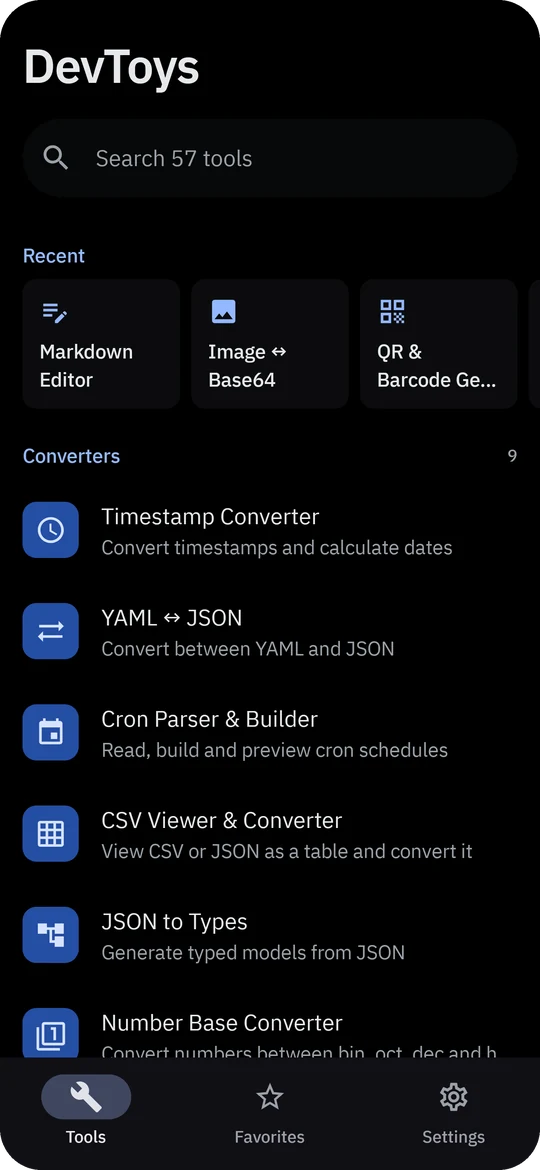
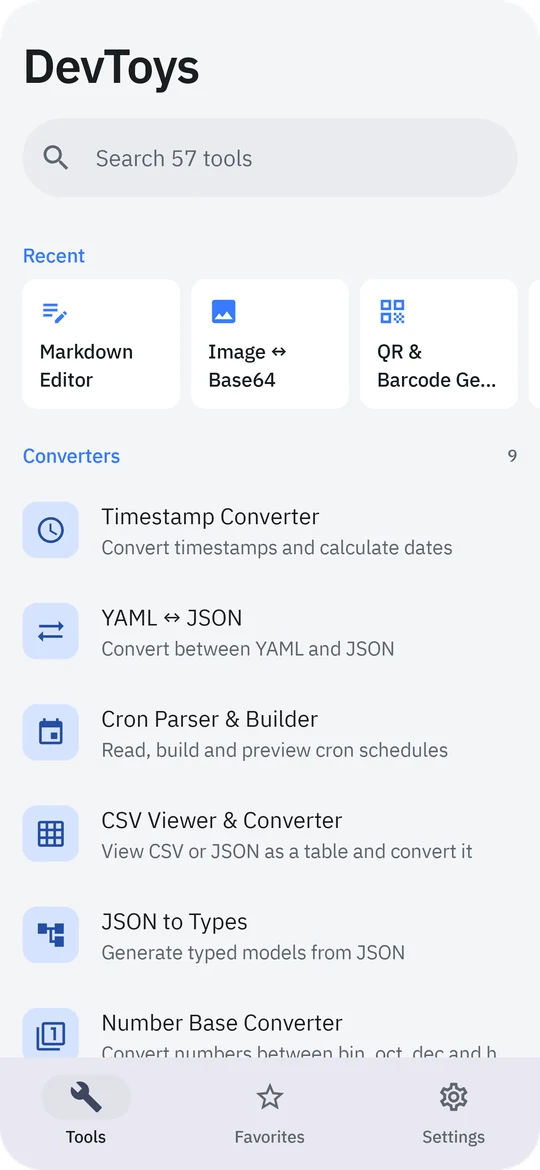
Puts the everyday tools in your pocket. Encoders and decoders, formatters, converters, generators, cryptography, text, network and color tools, grouped in eight categories. Search ranks tools whose name starts with your query first. Star a tool to make it a favorite, and the last six tools you opened appear at the top of the list.
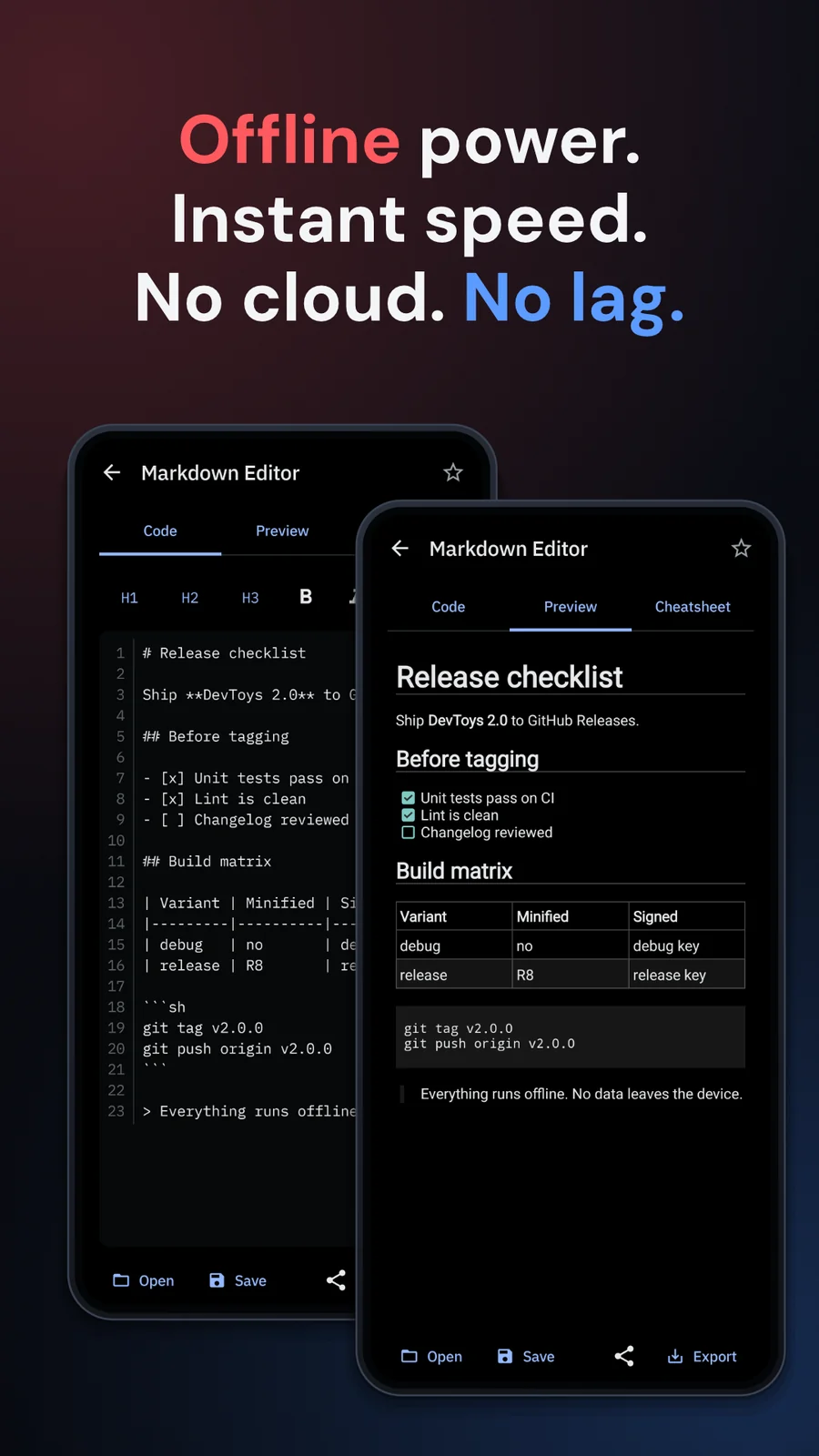
Keeps your data on the phone. Every tool runs on the device. DevToys does not request the INTERNET permission or any runtime permission, so nothing you paste into it can leave your phone. The camera, photo picker and file access go through the system's own screens.
Shows results as you type. Most tools update live and keep your input per tool, restoring it after rotation or a restart. Passwords, keys and tokens are never saved. Every result can be copied, and tools that produce files can save or share them.
Works with your other apps. Share text, images or files to DevToys, or open .md, .json, .csv, .xml, .yaml, .sql, .pem, .gz and other files from a file manager. DevToys opens the tool that handles them, and asks which one to use if several can.
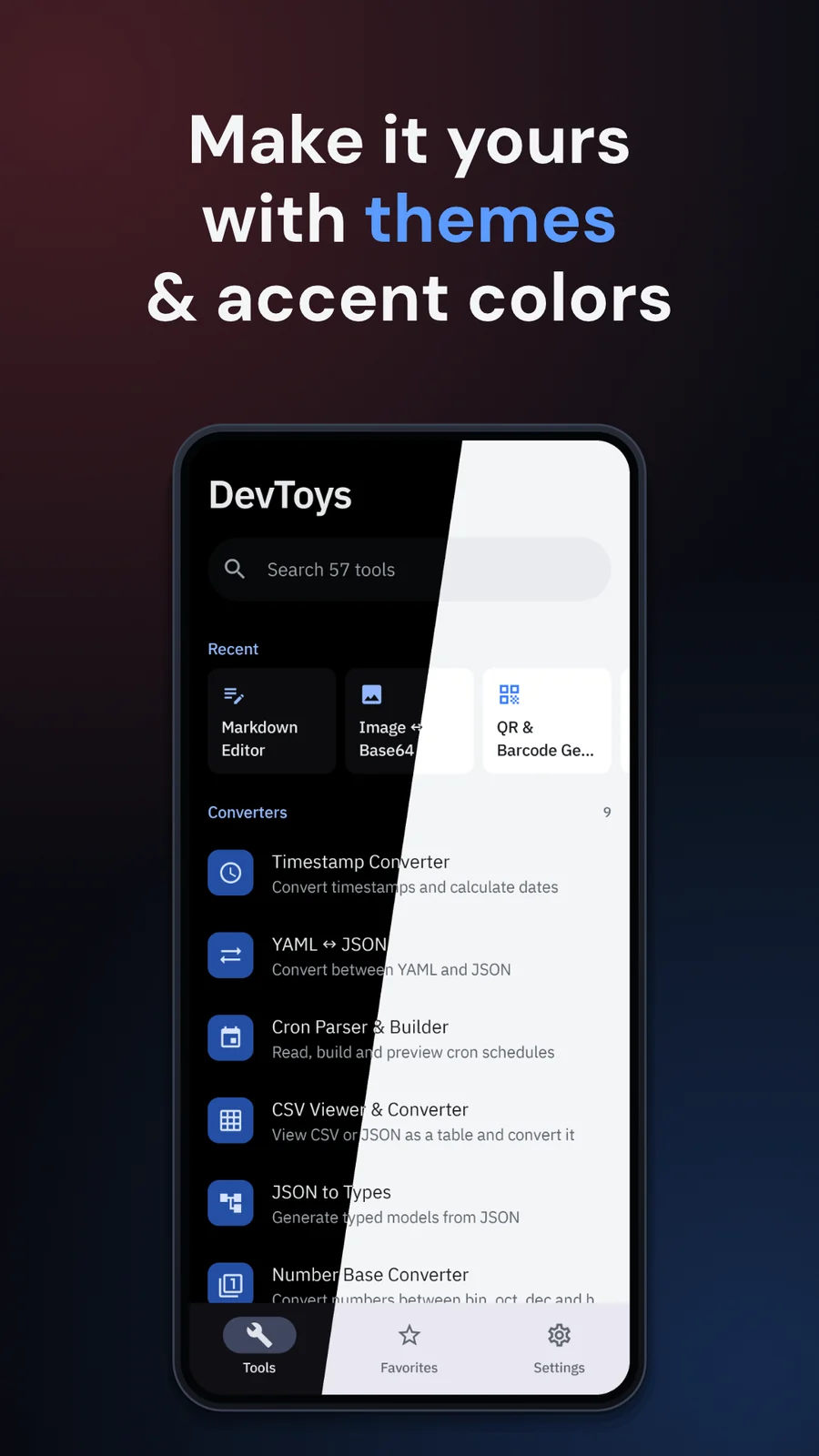
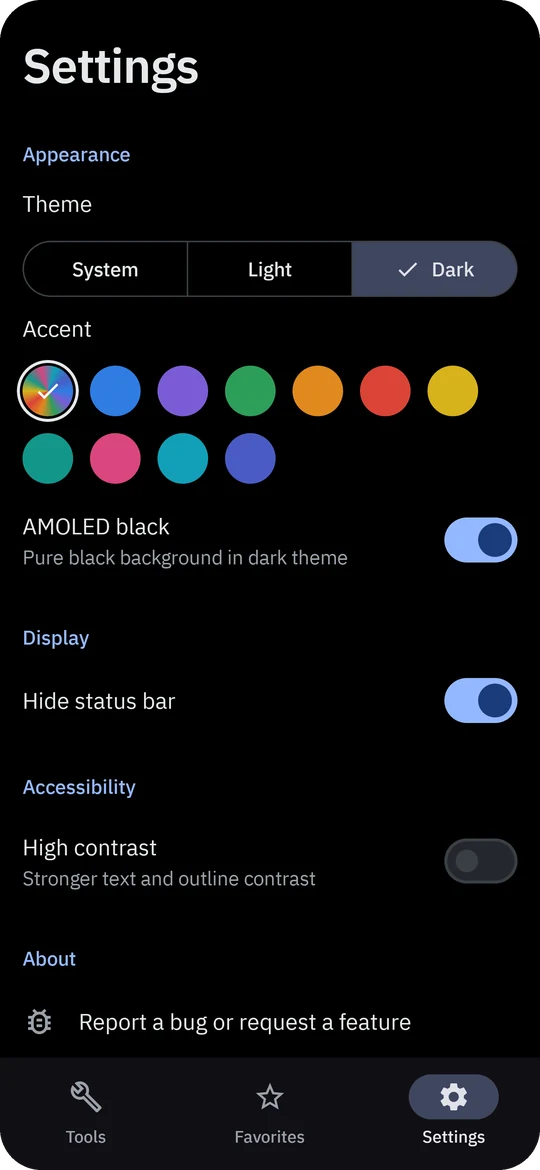
Looks the way you like. System, light or dark mode, AMOLED black, eleven accent colors including dynamic color, and a high-contrast mode.
DevToys for Android is an independent Android adaptation of DevToys, the MIT-licensed developer toolbox for Windows, macOS and Linux. It is not affiliated with or endorsed by the DevToys project and shares no code with it.
No ads, no subscriptions, no analytics, no telemetry, no crash reporting, no network access and no runtime permissions. Content you share or open is passed only to the tool that handles it. The full privacy policy is in the app under Settings.
Get DevToys
Download DevToys-<version>.apk from the latest release and open it on your phone. DevToys needs Android 8.0 (API 26) or newer. It is no longer published on Google Play.
Android installs apps from outside an app store only after you allow it for the app you downloaded the APK with. When asked, open Settings, turn on Allow from this source and go back. Every release lists the APK's SHA-256 checksum in SHA256SUMS.txt if you want to verify the download.
Releases are signed with the certificate below. apksigner verify --print-certs DevToys-<version>.apk prints it as the certificate SHA-256 digest:
c9680cf469fc025144b51139198f5b1109e1cbbcc497b0d9da56ad9f757e000bUpdates are published as new releases on GitHub. Installing a newer APK over the old one keeps your favorites and settings.
Tools
Converters
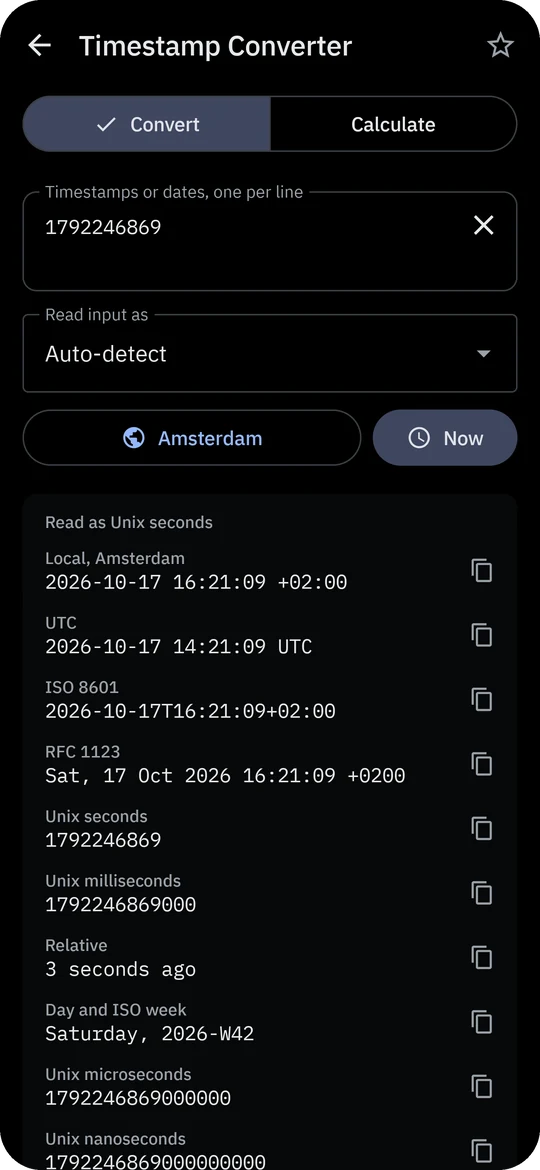
- Timestamp Converter: Convert many timestamps and epochs at once, in any time zone, and calculate date differences.
- Cron Parser & Builder: Read and build Unix, Spring, Quartz and AWS cron expressions and list the next runs.
- Number Base Converter: Convert between bases 2 to 36 with two's complement and byte-order views.
- Unit Converter: Data size and rate, time, temperature, length and more, in every unit at once.
- Math Evaluator: Evaluate math with 128-bit precision, hex, binary and bitwise ops.
- JSON to Types: Generate models for Kotlin, TypeScript, Swift, Go, Java, Python, C#, Dart and Rust.
- YAML ↔ JSON: Convert both ways with the YAML 1.2 core schema.
- XML ↔ JSON: Convert both ways, with attributes and repeated elements kept.
- CSV Viewer & Converter: View CSV, TSV or JSON as a table and export to Markdown, HTML, JSON or SQL.
Encoders & decoders
- Base64 Encoder / Decoder: Standard or URL-safe Base64, including
data:URIs. - Base32 / Base58 / Base85: Base32, Base32hex, Base58, Ascii85, Z85 and Base36.
- URL Encoder / Decoder: Encode, decode and parse URLs and strip tracking parameters.
- HTML Entity Encoder: Escape and unescape entities, with an entity and emoji reference.
- Hex Encoder / Decoder: Hex in many notations, byte arrays or a full hex dump.
- GZip / Deflate: Compress and decompress GZip, Zlib and raw Deflate, files up to 16 MB.
- ROT13 / Classic Ciphers: Caesar, ROT13, ROT47, Atbash, Vigenère and XOR.
- JWT Decoder: Find, decode, verify and sign JSON Web Tokens.
- Basic Auth Header: Build and decode HTTP Basic auth headers and curl options.
Formatters
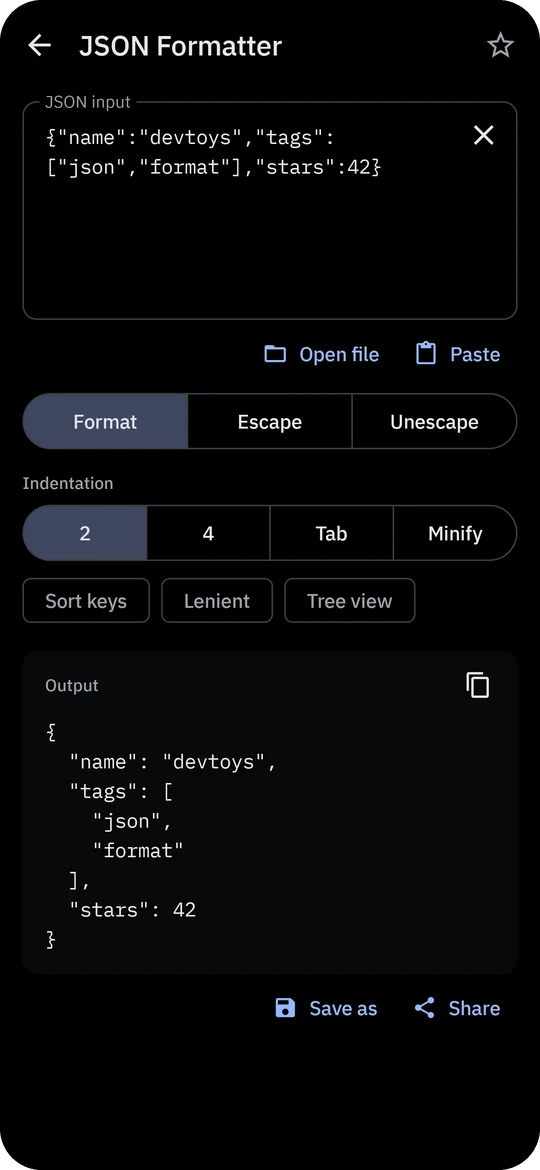
- JSON Formatter: Format, minify, validate and escape JSON, with a tree view.
- XML Formatter: Format, minify and query XML with XPath.
- SQL Formatter: Format or minify SQL and change keyword case.
Generators
- UUID Generator: Generate v1, v3, v4, v5 and v7 UUIDs and decode them.
- ID & Token Generator: ULID, NanoID, Snowflake, KSUID and random tokens, and decode IDs.
- Password Generator: Passwords, EFF passphrases and PINs, with entropy.
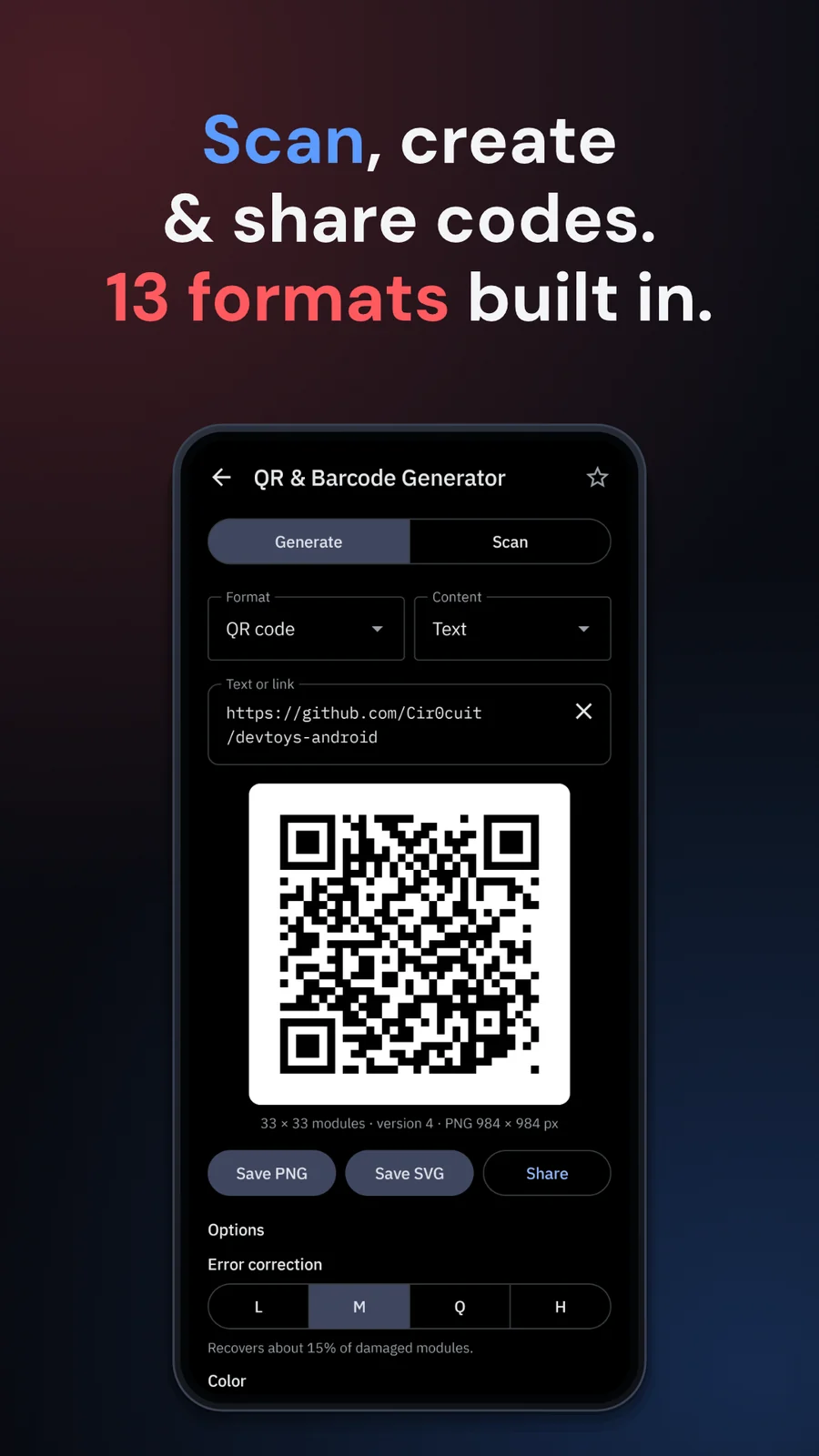
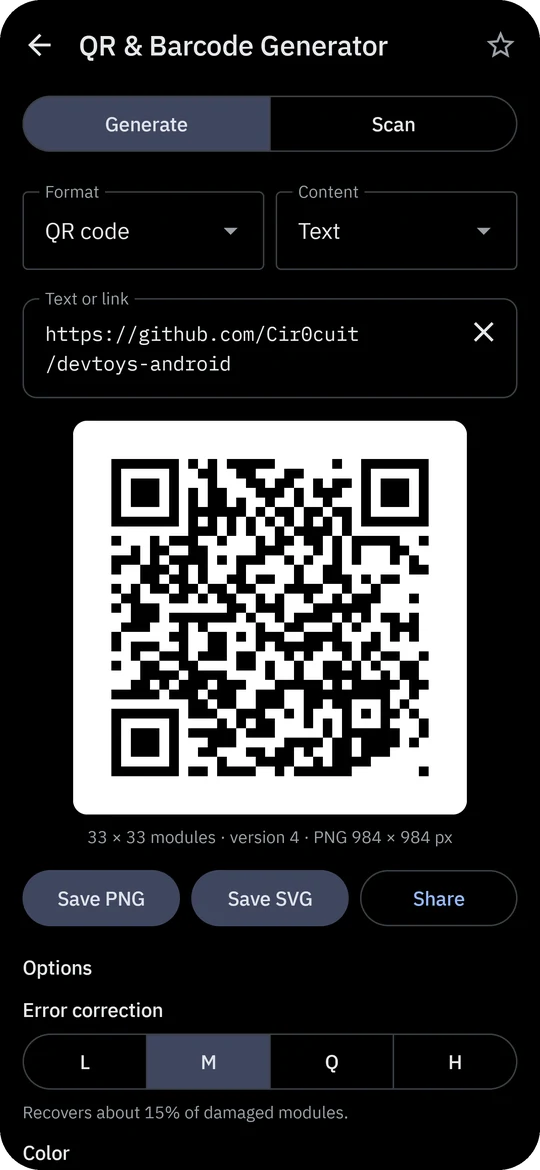
- QR & Barcode Generator: Make 13 code formats as PNG or SVG and scan codes from photos.
- Lorem Ipsum Generator: Placeholder text as plain text, HTML or JSON.
Cryptography
- Hash / Checksum: Hash text or files with MD5, SHA, CRC and Adler-32 and verify checksums.
- HMAC Calculator: Sign or verify text with an HMAC key, including webhook formats.
- OTP Generator: Generate and check TOTP and HOTP codes.
- Text Encryption: Encrypt and decrypt text with AES-GCM or AES-CBC.
- Key Pair Generator: Generate RSA and EC keys as OpenSSH, PEM or JWK.
- X.509 Certificate Decoder: Inspect PEM, DER and PKCS#7 certificates and chains.
Text
- Case Converter: Show text in 19 cases at once, from camelCase to kebab-case.
- Line Tools: Sort, filter, dedupe, join or fix lines.
- Text Comparer: Compare two texts line by line and export a unified diff.
- JSON Diff: Compare two JSON documents by structure.
- List Comparer: Find lines in both lists or only in one.
- Regex Tester: Test, replace and split with a regex and copy it as code.
- Find & Replace: Replace text or regex matches.
- String Escape: Escape strings for JSON, code, SQL, shell or CSV.
- Text Statistics: Count characters, words, lines and bytes.
- Unicode Inspector: Inspect code points and find hidden characters.
- Markdown Editor: Write Markdown with a live preview and export PDF or HTML.
- Semver Compare: Compare and sort versions and check npm or Cargo ranges.
Network & system
- CIDR Calculator: IPv4 and IPv6 subnets, splitting, merging and ranges to CIDR.
- IP Address Converter: Convert and inspect IPv4 and IPv6 addresses.
- MAC Address Lookup: Convert a MAC address's notation and find its vendor in an IEEE
oui.txtyou download and import; the app ships none. - Chmod Calculator: Convert between octal, symbolic and
ls -lmodes and work out umasks. - Well-Known Ports: Look up common TCP and UDP port numbers.
- HTTP Reference: HTTP status codes, methods and headers.
- MIME Types: Look up MIME types and detect a file's real type.
- Cheatsheets: About 300 Git, shell, Docker, Kubernetes and other commands.
- Device Information: Show the device model, Android version, screen, memory and locale.
Graphics
- Color Converter: Convert colors to HEX, RGB, HSL, OKLCH and more, or pick one from an image.
- Color Palette Generator: Build color schemes, a 50–950 scale or a palette from an image.
- Contrast Checker: Check WCAG contrast and simulate color blindness.
- Image ↔ Base64: Turn images into Base64 and back.
Screenshots
Build from source
JDK 17 to 21 and the Android SDK (API 35).
git clone https://github.com/Cir0cuit/devtoys-android
cd devtoys-android
./gradlew assembleDebug
The APK is written to app/build/outputs/apk/debug/. The README covers signed release builds, tests, the project structure and how to add a tool.
Licensed under the Apache License 2.0. Bug reports and feature requests are welcome in GitHub Issues. The license and privacy policy are also on this site.